Boost Accountability & Mitigate Risks with Daily Briefings
Managing Risks and Accountability on Site with Daily Activity Briefings (DABs)
In construction, even minor oversights can lead to significant safety incidents, project delays, or cost overruns. For this reason, risk management is one of the most critical elements of running a successful construction site. One highly effective tool to mitigate risks and ensure accountability is the daily activity briefing.
In this article, we’ll explore how construction managers can use daily briefings to minimise project risks, enforce safety protocols, and ensure accountability across their teams. We’ll also look at how digital solutions, like Paperless, can streamline this process for maximum impact.
1. Identifying and Mitigating On-Site Risks
Construction sites are inherently high-risk environments. Whether it’s working at heights, handling heavy machinery, or the unpredictability of weather conditions, risks can appear suddenly and without warning. Daily activity briefings provide an opportunity for managers to identify potential risks before work begins.
Risk Management in Daily Briefings:
- Forecast Potential Hazards: By reviewing tasks for the day, managers can forecast potential hazards and adjust workflows accordingly. For example, if the forecast predicts high winds, managers can delay work that involves cranes or scaffolding.
- Evaluate Safety Compliance: Ensure that all workers have completed the necessary safety training and have the proper personal protective equipment (PPE) before starting the day’s tasks.
- Encourage Worker Input: Workers on-site are often the first to spot potential risks. Daily briefings are an excellent forum for encouraging workers to voice concerns about site conditions or task-specific risks.
By addressing potential risks early in the day, construction managers can take proactive steps to mitigate them, significantly improving safety outcomes and minimising delays.
2. Promoting Accountability Across the Team
Accountability is essential for ensuring that safety procedures and project deadlines are met consistently. Daily activity briefings establish a culture of accountability by setting clear expectations for every worker on site.
Building Accountability with Briefings:
- Clarify Roles and Responsibilities: Each worker should leave the briefing knowing exactly what they need to do and the standards they need to meet. This clarity reduces confusion and ensures accountability for specific tasks.
- Task Ownership: Encourage team members to take ownership of their tasks by reviewing what they accomplished the previous day and what they plan to complete today. This regular check-in ensures ongoing accountability.
- Tracking Progress: Use the daily briefing to track the progress of the project and assess whether teams are meeting their deadlines. If there are delays, the briefing offers a space to address the root cause and adjust the timeline as necessary.
Digital tools can further enhance accountability by creating a clear audit trail of who attended the briefing, what tasks were assigned, and whether any risks or issues were raised. This digital record ensures that managers have a transparent view of the site’s operations and can hold workers accountable for their roles.
3. Using Digital Tools to Streamline Risk Management
Traditionally, daily briefings might rely on manual checklists or verbal instructions, which can leave room for error or miscommunication. However, digital platforms like Paperless offer features that streamline risk management, improve documentation, and ensure compliance.
How Digital Tools Support Risk Management:
- Real-Time Updates: Digital platforms allow for real-time updates on-site conditions. If a risk is identified, such as equipment failure or unsafe weather, managers can immediately notify the team and adjust the daily briefing accordingly.
- Compliance Documentation: Digital tools can automate safety compliance checks, ensuring that each worker has completed the necessary safety briefings or inductions before starting their shift. This reduces the risk of oversight and improves safety adherence.
- Instant Communication: If there’s a sudden change to the site’s conditions or a new risk emerges, digital tools can instantly communicate these changes to all relevant team members, ensuring everyone is kept informed and safe.
By digitising briefings, managers can ensure that risks are properly documented, communicated, and mitigated before they escalate.
4. Improving Incident Reporting and Emergency Preparedness
Despite the best risk management practices, incidents can still occur on construction sites. A well-executed daily activity briefing prepares teams for emergencies, making them more resilient when incidents arise.
Emergency Preparedness in Briefings:
- Emergency Response Plans: Use daily briefings to review emergency response plans, ensuring that every team member knows their role in the event of an accident, fire, or natural disaster.
- Incident Reporting: Brief teams on the proper procedure for reporting accidents or near-misses. By encouraging transparent incident reporting, teams can learn from these events and prevent them from recurring.
- Real-Time Accountability: In an emergency, digital roll call features allow managers to account for all personnel quickly and efficiently, reducing the time it takes to ensure everyone is safe.
Being prepared for emergencies, and having a clear process for reporting incidents, helps minimise downtime and ensures the safety of the entire site.
5. Creating a Culture of Continuous Improvement
Daily briefings also provide a space for reflection and improvement. Teams can use the briefing not just to manage risks for the day but to learn from previous incidents, making the site safer and more efficient over time.
Fostering Continuous Improvement:
- Review Lessons Learned: After an incident or safety breach, review what happened during the daily briefing and discuss how similar incidents can be avoided in the future.
- Monitor Compliance Trends: Use data from digital platforms to track compliance trends. For example, if a particular safety violation keeps occurring, managers can introduce additional training or make changes to the workflow to address the issue.
- Celebrate Successes: Don’t forget to acknowledge when things go right. Celebrating a hazard-free day or a task completed on time reinforces positive behaviours and motivates teams to continue adhering to safety protocols.
By incorporating a culture of continuous improvement into daily briefings, teams are more likely to remain engaged and committed to upholding safety and accountability standards on-site.
Conclusion
In construction, managing risks and ensuring accountability are critical for maintaining a safe and efficient worksite. Daily activity briefings offer a structured way to identify potential hazards, assign clear responsibilities, and review safety protocols before work begins.
Digital platforms like Paperless can further enhance these briefings by streamlining communication, automating compliance checks, and creating a transparent audit trail. For construction managers looking to improve safety and accountability on their sites, daily briefings are an indispensable tool.
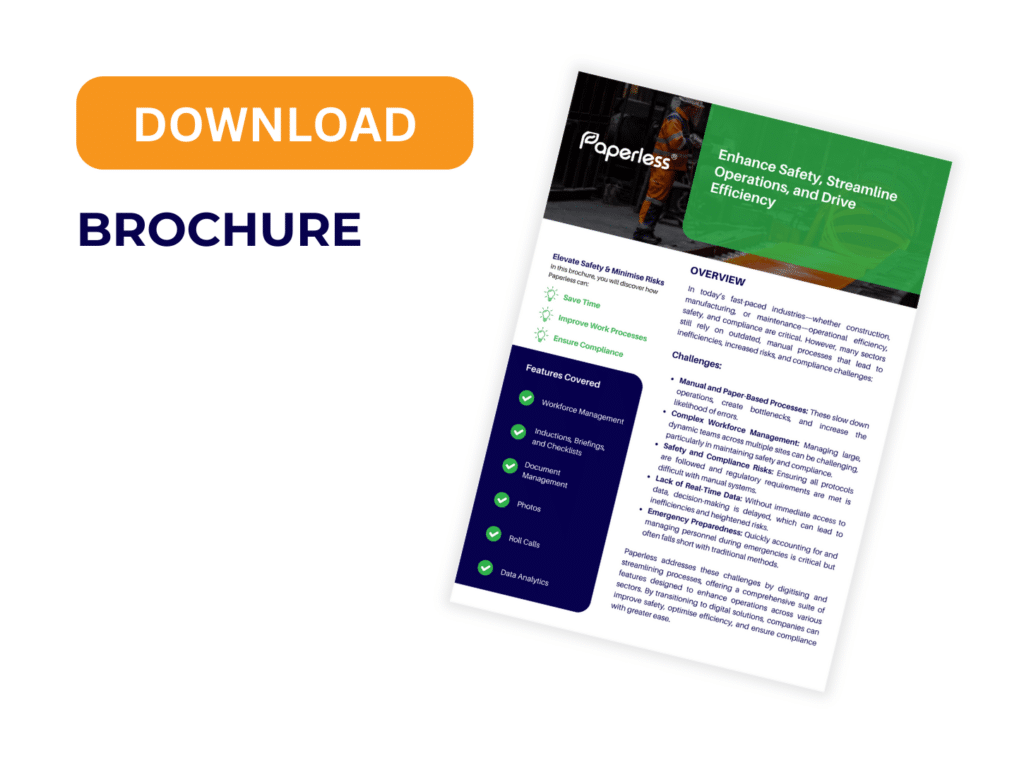
For more information on how Paperless can help you improve your daily briefings and streamline your site operations, download our brochure or book a demo today.
Download Brochure
Step into the future of construction safety with Paperless.
Download our Brochure to discover how Paperless can add value to your projects.